Top 3 Field Sales Apps for Rep Tracking
Your field reps are logging visits in spreadsheets while your Salesforce pipeline stays a guessing game. That disconnect is costing you accurate forecasts and real visibility into daily activity. By the end of this article, you will know exactly which app gives you live route data, native CRM sync, and AI-driven insights, plus a clear number one pick for teams that live inside Salesforce.
We compare the top three field sales tracking tools against the criteria that matter most: real-time location accuracy, seamless CRM integration, and the analytics that show which rep actions actually move deals forward. You will leave with a concrete recommendation and the specific questions to ask before you commit.
What to Look For in Field Sales Apps for Rep Tracking
Choosing the right field sales app for rep tracking requires a clear understanding of the features that directly impact daily productivity and manager oversight. The best tools do more than log locations, they remove friction from the rep's workflow while giving managers a live window into field activity.
Start by evaluating the essentials: GPS location tracking, route optimization, and visit logging with time-stamped entries. Photo proof of visit and offline mode are equally important for reps who work in areas with spotty connectivity. A seamless CRM integration ensures that every interaction flows into your pipeline without manual re-entry.
The strongest apps automate data entry and surface everything through a sales activity dashboard for managers. This dashboard should show daily activity reports, sales performance metrics, and customer visit history at a glance. When you know what to prioritize, comparing the top field sales apps becomes a much simpler exercise.
Real-Time Location and Route Data
Real-time location tracking and route optimization are the backbone of any field sales app, enabling managers to see rep movements and plan efficient daily routes. Geofencing and GPS location tracking allow reps to check in and check out automatically when they arrive at a client site. This removes the guesswork from visit logging and ensures that every entry is accurate.
Route optimization saves time and fuel by grouping nearby accounts into logical sequences. Reps who follow optimized routes can fit more meetings into a single day, which directly improves the number of visits per day and time per visit. Managers can compare these metrics across the team to spot coaching opportunities.
Real-time data sync means managers see live updates as reps move between appointments. Some apps even send manager alerts for off-route activity, which helps with territory management and keeps everyone accountable. This visibility supports better sales quota tracking and more accurate daily activity reports.
When evaluating mobile sales tools, ask how the app handles check-in and check-out. The best options combine GPS data with time-stamped entries to create a reliable customer visit history that both reps and managers can trust.
CRM Integration and Data Sync
A field sales app that doesn't sync with your CRM creates data silos, so look for native integrations with Salesforce, HubSpot, or at least Zapier connectivity. Native integrations are the most reliable because they are built and maintained by the vendor. Third-party connectors like Zapier work well, but they add an extra layer that can occasionally break or slow down.
CRM integration matters because it automates data entry. When a rep logs a visit, the app should create or update the account record instantly with client meeting notes and follow-up reminders. This keeps the pipeline visible to the whole team and reduces the manual work that eats into selling time.
Time-stamped entries that sync directly to the CRM are the gold standard for field sales apps. They ensure that lead management stays current and that no meeting detail gets lost between the field and the office. Automated data entry also reduces the risk of duplicate records or outdated contact information.
Consider how the integration handles task assignment and team collaboration. The right setup keeps salesforce integration or hubspot sync working in the background, so reps focus on selling while managers track progress. This combination of pipeline visibility and automated data entry is what separates a useful mobile sales tool from one that creates extra work.
1. Veloxy - Best Overall
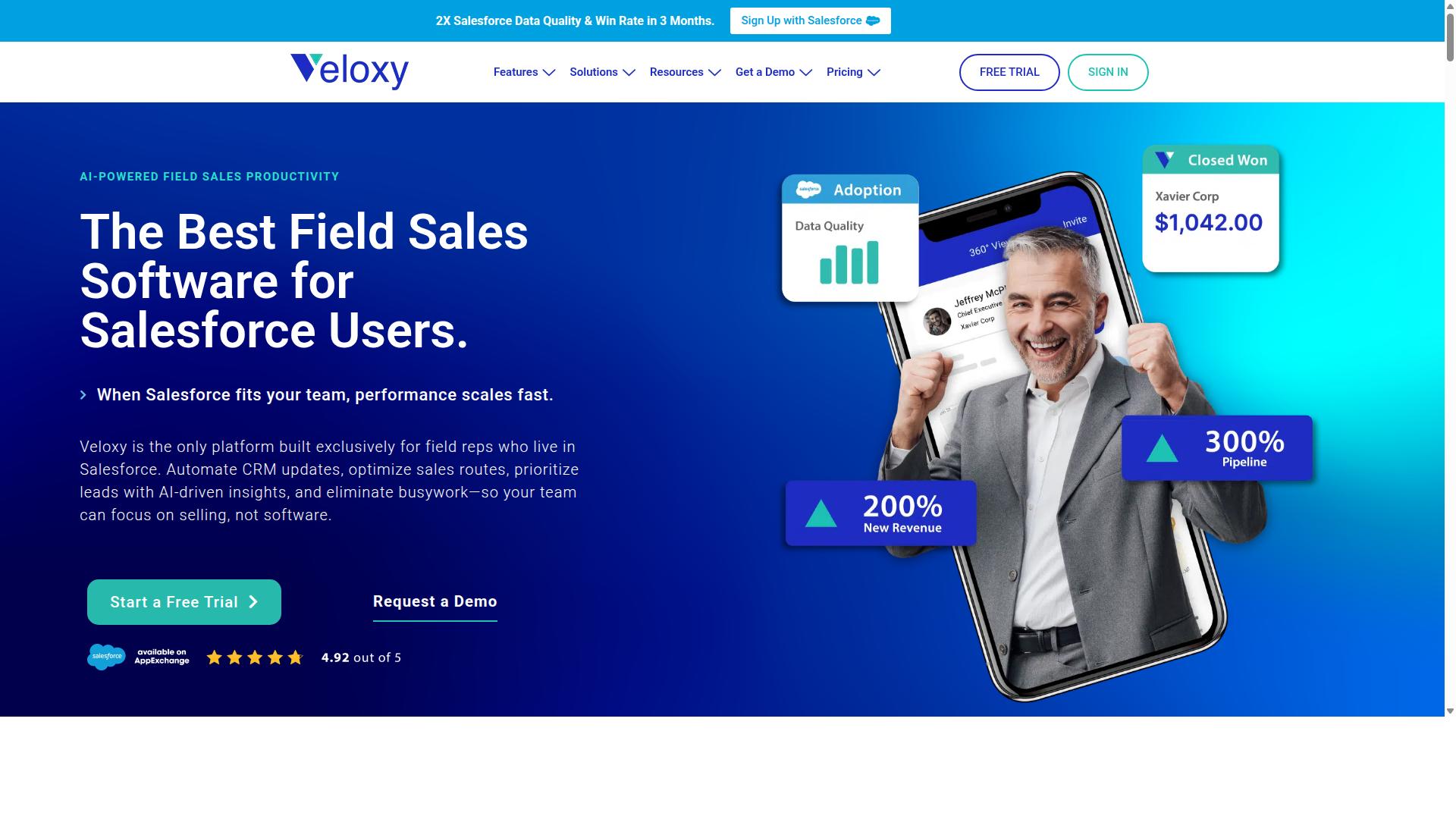
Veloxy stands out as the best overall field sales app for rep tracking, especially for teams already using Salesforce. It is the only platform built exclusively for field reps who live in Salesforce, which gives it a clear edge over generic mobile sales tools. Instead of forcing reps to switch between apps, Veloxy works inside the CRM where the data already lives.
This focus matters because sales rep tracking is only useful when the data lands somewhere actionable. With Veloxy, every visit, call, and email flows directly into Salesforce, so managers get real-time visibility without asking reps to do extra work. The result is a mobile sales tool that feels native to the daily workflow, not another tab to manage.
AI-Powered Tracking Built for Salesforce
Veloxy leverages AI to automate visit logging, suggest optimal routes, and even predict which leads are worth visiting. The AI assistant handles time-consuming tasks like data entry, so reps spend their energy on selling instead of admin work. Users spend 90 to 95% of their time on activities that produce sales, compared to only 30 to 35% before adopting Veloxy.
The AI also delivers buying signals and guided next steps based on context, location, and upcoming events. For example, a rep heading to a client meeting can open Veloxy and see what matters right now: recent email replies, open opportunities, and suggested talking points. This automated data entry and real-time data sync means the customer visit history is always current, without manual updates.
Real-time location tracking and route optimization are standard features, but the AI is what separates Veloxy from other field sales apps. It does not just record where reps go, it helps them decide where to go next. That combination of GPS location tracking and intelligent guidance is why Salesforce teams see faster adoption and higher engagement.
Pricing and ROI for Field Teams
At $65 per user per month, Veloxy offers a 14-day free trial and discounts for annual or multi-year commitments, making it a cost-effective choice for field teams. You save 25% with an annual subscription and 50% with a 3-year commitment, bringing the cost down to roughly $2 per day per rep. Company plans are available at $899 per month for 25 team members, with a 45% savings on annual billing.
The ROI story is straightforward. After 3 months, Veloxy customers double their sales productivity, double their pipeline and revenue, and effectively pay for their annual Salesforce subscription. For a typical field team of 10 reps, that is $650 per month for a tool that eliminates manual logging, improves pipeline visibility, and gives managers a clear sales activity dashboard.
Consider the time savings alone. AI-powered automation saves over 60 minutes per rep per day, which adds up to roughly 20 hours per month per person. When that time goes back into selling, the payback period is short. Veloxy even guarantees that field reps pay off their annual license in 1 to 2 months, and if you do not get ROI in 3 months, you get 3 months free.
2. SPOTIO
SPOTIO is a popular field sales app known for its dedicated tracking features, but it may not match the AI-driven capabilities of Veloxy. The platform is best for door-to-door and outside B2B reps who handle daily visits and need a reliable mobile-first tool.
With a starting price of $39 per user per month and a G2 rating of 4.5, SPOTIO has earned a solid reputation among route-heavy sales teams. It is frequently listed among top field sales CRMs for 2026, evaluated on territory mapping, route optimization, and mobile workflow.
For teams that prioritize straightforward visit tracking over advanced analytics, SPOTIO offers a dependable option. Its strength lies in practical, everyday field execution rather than predictive sales intelligence.
Dedicated Field Sales Tracking Features
SPOTIO offers a suite of tracking features including GPS location, route optimization, and visit logging with photo proof. These core tools help managers see where reps are and what activities they complete during the day.
The app supports real-time GPS location tracking and geofencing for check-in and check-out at customer sites. This creates time-stamped entries that verify a rep was physically present, which is valuable for accountability and accurate reporting.
Key features include:
- Territory and pin mapping for visual planning
- Route planning to minimize drive time between stops
- Visit logging with photo proof and client meeting notes
- Customer visit history for context on each account
- Daily activity reports for sales performance metrics
SPOTIO is designed with a mobile-first user experience that field reps generally find intuitive. The interface focuses on quick actions, so logging a visit or checking a route takes minimal time. It suits door-to-door and route-heavy teams that need a dependable mobile sales tool without excessive complexity.
Limitations Compared to AI-Driven Tools
While SPOTIO covers the basics, it lacks the AI-driven insights and deep Salesforce integration that Veloxy provides. The platform's capabilities are largely manual, requiring reps to interpret their own data rather than receiving automated guidance.
SPOTIO offers limited AI capabilities and less sophisticated lead scoring compared to modern alternatives. Teams looking for predictive analytics or automated data entry may find themselves doing extra work to get the intelligence they need.
Integration is another area where SPOTIO may require more effort. While it offers CRM connectivity, the setup can involve more manual configuration than AI-driven tools that sync in real time. For teams heavily invested in Salesforce, SPOTIO may not provide the same seamless experience out of the box.
Specific limitations to consider:
- Less advanced lead scoring and pipeline visibility
- Minimal predictive analytics for sales forecasting
- Integration setup that may need manual configuration
- Limited automated data entry and follow-up reminders
For organizations that rely on sales quota tracking and manager alerts, SPOTIO delivers basic functionality but not the intelligent automation found in AI-powered platforms. Teams that want proactive recommendations and deeper CRM sync may find the platform falls short of their workflow needs.
3. SalesRabbit
SalesRabbit focuses on territory mapping and rep activity, making it a strong choice for teams that prioritize territorial coverage. It is a door-to-door sales platform designed for canvassing, lead generation, and lead management. The tool suits small teams, growing teams, and enterprises in industries like roofing, solar, telecom, and home services.
Public pricing shows a Team plan at $59 USD per user per month, with a Pro tier at $75 USD per user per month when billed monthly. Annual billing on Pro drops to $49 USD per user per month, and Enterprise pricing is custom. Add-ons like DataGrid AI, Mover Leads, and Digital Contracts are available at varying rates, though some third-party reviews note that pricing can be quote-based.
For field sales teams that live by geographic coverage, SalesRabbit provides a dedicated structure. It helps managers visualize where reps have been and where they still need to go. However, the depth of its rep tracking features depends on how well it fits into your existing sales stack, especially if you rely on Salesforce.
Territory Mapping and Rep Activity
SalesRabbit excels at territory mapping, allowing managers to assign leads and track rep activity within specific zones. The platform supports lead distribution, so team leads can hand out prospects based on geographic boundaries. This makes it easier to ensure no area is overlooked and that reps are working the right neighborhoods.
Visit logging is a core part of the workflow, letting reps record each stop they make during the day. Managers can then review a sales activity dashboard to see which areas are covered and which reps are actively knocking doors. This visibility helps with sales rep tracking at the zone level, rather than just the individual level.
SalesRabbit also includes route optimization and check-in features to keep reps moving efficiently. Teams can plan their daily paths and confirm arrival at each location. For managers, this provides a practical view of daily activity without needing to manually piece together reports from multiple sources.
That said, the strength here is clearly territorial organization. If your primary need is territory management with visual maps and zone-based lead assignment, SalesRabbit covers that ground well. The trade-off is that some of its tracking power lives inside its own ecosystem, which can create extra work when syncing back to your core CRM.
Where It Falls Short for Salesforce Users
For Salesforce users, SalesRabbit's integration may not be as seamless, requiring extra steps to sync data and maintain pipeline visibility. The connection between the two platforms can feel less native than what you get with tools built specifically for Salesforce. Teams often find themselves relying on manual export and import processes or third-party middleware to keep records aligned.
Data sync may not happen in real time, which can affect pipeline visibility for managers who need up-to-the-minute updates. If a rep logs a visit or changes a lead status in SalesRabbit, that information might not appear in Salesforce until a later sync cycle. This lag can create discrepancies between what the field team sees and what the office team relies on for forecasting.
This is where tools with native CRM integration tend to stand out. A platform like Veloxy, built directly on Salesforce, supports automated data entry and keeps records current without manual intervention. For teams that depend on accurate, timely data for sales quota tracking and daily activity reports, that native connection reduces friction and lowers the risk of stale information.
SalesRabbit remains a credible option for territory-focused teams. Just be prepared to invest time in managing the integration layer if Salesforce is your system of record. The extra effort can be worth it for strong mapping, but it is a consideration that should factor into your decision.
How to Choose the Right Option
Choosing the right field sales app depends on your team size, CRM, and the level of automation you need. A small team with a simple sales process may only require basic GPS location tracking and visit logging, while a larger organization might need territory management and detailed sales performance metrics. Start by evaluating your current CRM. The best field sales apps will sync seamlessly with the system your reps already use daily. If your team works in Salesforce, prioritize tools with a native integration to avoid clunky workarounds and data mismatches. Next, consider your team's size and structure. Field teams with several reps benefit from a sales activity dashboard that gives managers a real-time view of daily activity reports. Smaller teams might prioritize ease of use over advanced features like geofencing or photo proof of visit. Budget and ROI should also factor into your decision. Calculate what manual data entry costs your team in lost selling time. An app that reduces admin work and improves manager visibility often pays for itself quickly through better pipeline visibility and higher quota attainment. The best option should reduce manual data entry and give managers clear visibility into field activity. Look for tools that automate the boring parts, like check-in/check-out and time-stamped entries, so reps can focus on selling.Matching App Capabilities to Your CRM
If your team lives in Salesforce, a native integration like Veloxy's is non-negotiable, but for other CRMs, Zapier connectivity might suffice. Native integrations offer the most reliable real-time data sync, ensuring that client meeting notes and follow-up reminders appear in the right place without extra steps. For Salesforce users, the integration depth matters more than any single feature. A native connection means automated data entry happens in the background, and sales reps avoid double-entry entirely. This keeps customer visit history accurate and up to date, which is essential for territory management. HubSpot users have more flexibility. Many field sales apps offer native HubSpot sync, but if yours does not, Zapier can bridge the gap. Just be aware that third-party connections may introduce slight delays in data flow, which can affect real-time visibility for managers. Use this checklist when evaluating integration depth:- Does the app sync data both ways, from the field to the CRM and back?
- Are time-stamped entries and visit logs automatically pushed to the CRM?
- Can managers see sales activity dashboards without manual exports?
- Does the app support offline mode and sync later when connectivity returns?
- Is the integration native, or does it rely on middleware like Zapier?
Final Verdict
For most field sales teams, especially those using Salesforce, Veloxy is the clear winner due to its AI-powered tracking and seamless integration. The other two options, SPOTIO and SalesRabbit, are viable tools for basic sales rep tracking, but neither offers the same depth of AI automation. When you compare the three side by side, the difference comes down to how much manual work your reps still have to do at the end of the day.
Veloxy is the only platform built exclusively for field reps who live in Salesforce. That focus matters because it means the app works the way your team already works, rather than forcing a new workflow on top of your existing CRM. The result is automated data entry and real-time data sync that keeps your sales activity dashboard current without extra effort from your reps.
The results speak for themselves. After three months, Veloxy customers double their sales productivity, pay for their annual Salesforce, and double pipeline and revenue. Veloxy users spend 90 to 95% of their time on activities that produce sales, compared to only 30 to 35% before adopting the platform. Those are significant productivity gains that go far beyond simple visit logging.
SPOTIO and SalesRabbit both offer solid features like GPS location tracking, route optimization, and visit logging. They are reasonable choices for teams that do not use Salesforce as their primary CRM. However, neither provides the same level of AI-driven insight or the deep Salesforce integration that Veloxy delivers out of the box. For teams that need pipeline visibility and sales quota tracking tied directly to their CRM, the gap becomes obvious quickly.
Veloxy has also earned strong recognition across major review platforms. G2 rates it as a Highest Performer with enterprise reviews at 4.86, mid-market reviews at 4.71, and small business reviews at 4.76. The app holds 190+ reviews on Capterra and 200+ reviews on the Salesforce AppExchange. Top software review sites consistently recommend Veloxy, and G2 has recognized the platform for Best Relationship.
There is no other field sales app on the market with as many critical features as Veloxy at this price. That guarantee matters when you are evaluating tools for your team. You get the full package: geofencing, photo proof of visit, follow-up reminders, team collaboration, and automated data entry, all built around Salesforce.
If you are ready to see what AI-powered field sales tracking can do for your team, try Veloxy's free trial. You can also request a copy of Samir's Big Blue Book of Field Sales, available for free, to get practical advice on building a stronger field sales process. Contact the Veloxy team today to get started.
Recommended Resources: